Chess Engine Manual

Controls

Here you will find the control scheme for the game.

Keyboard controls:
'1','2' & '3' keys to switch piece assets
'o' Options menu
'WASD" move camera
"Arrows' spin camera
Mouse
Select and drag pieces with button 1
Touch controls:
Drag pieces with one finger
Pull menu by swiping down
Spin camera with two fingers
Chess Engine Overview

Open ChatHUD

Features

  • Features created by the original developer (Azzla)
  • Original repository

  • Alpha/Beta Negamax Search
    Quiescence Search
    Iterative Deepening + Principal Variation
    Move-Ordering
    Piece-Square + Mop-Up Eval Bonus
    Perft Testing Suite
    Multi-Threading
    Undo movements (Work in progress)
    Reset (restart game)
    Play against the CPU or another human
    The next features have been added to the fork
  • Fork repository

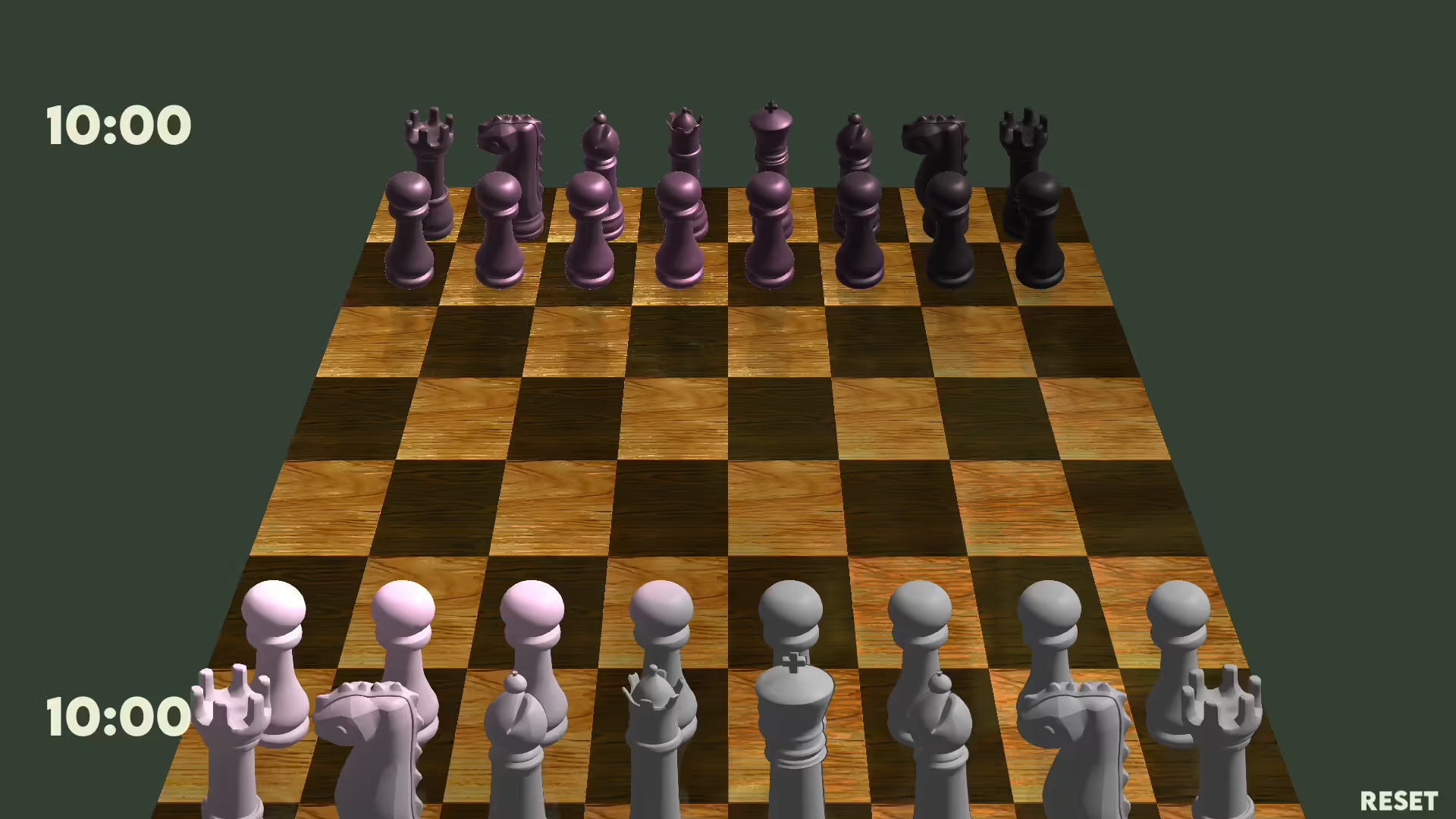
  • 3D prerendered pieces (pseudo 3d)
    It looks almost like 3d 3d but performs a lot better and runs on mobile phones
  • Touch controls (mobile friendly)
    - Pull menu: access easily to most important options by simply swiping down with one finger
  • 3 Available sets of assets
    Toggle them in real time
  • Performant global illumination system
    It can be toggled on and off from the options menu
  • Real time reflections
    You can see the environment reflected
  • Background
  • Touch keyboards
    (for system which built-in keyboard can't communicate with löve2d
  • three playable old builds of the game:
    v0.1 – Closest to the original developer’s vision, using the original 2D assets.
    v0.2 – Still 2D, but with updated assets for a refreshed look.
    v0.6 – First 3D version of the game, highly performant thanks to minimal visual effects.
  • Touch keyboard (for system which built-in keyboard can't communicate with löve2d
  • Chat and online multiplayer capabilities
    See
  • ChatHud and Noobhub Manual

  • Free camera movement
  • NFC support
    Save a chess game by holding a card on the reader
    Load a chess game by tapping a card on the reader.