
The Player's Guide
Discover the game modes, fighters, combat systems and experimental online features of The Mind.
Welcome to The Mind
The Mind — Fighting Beyond Reality is an open-source, retro-inspired fighting game built with LÖVE2D. It combines arcade-style combat, character-driven presentation, story content and a separate brawler mode.
The game is under active development. Menu options, platform support and individual features can vary between source revisions and packaged builds.
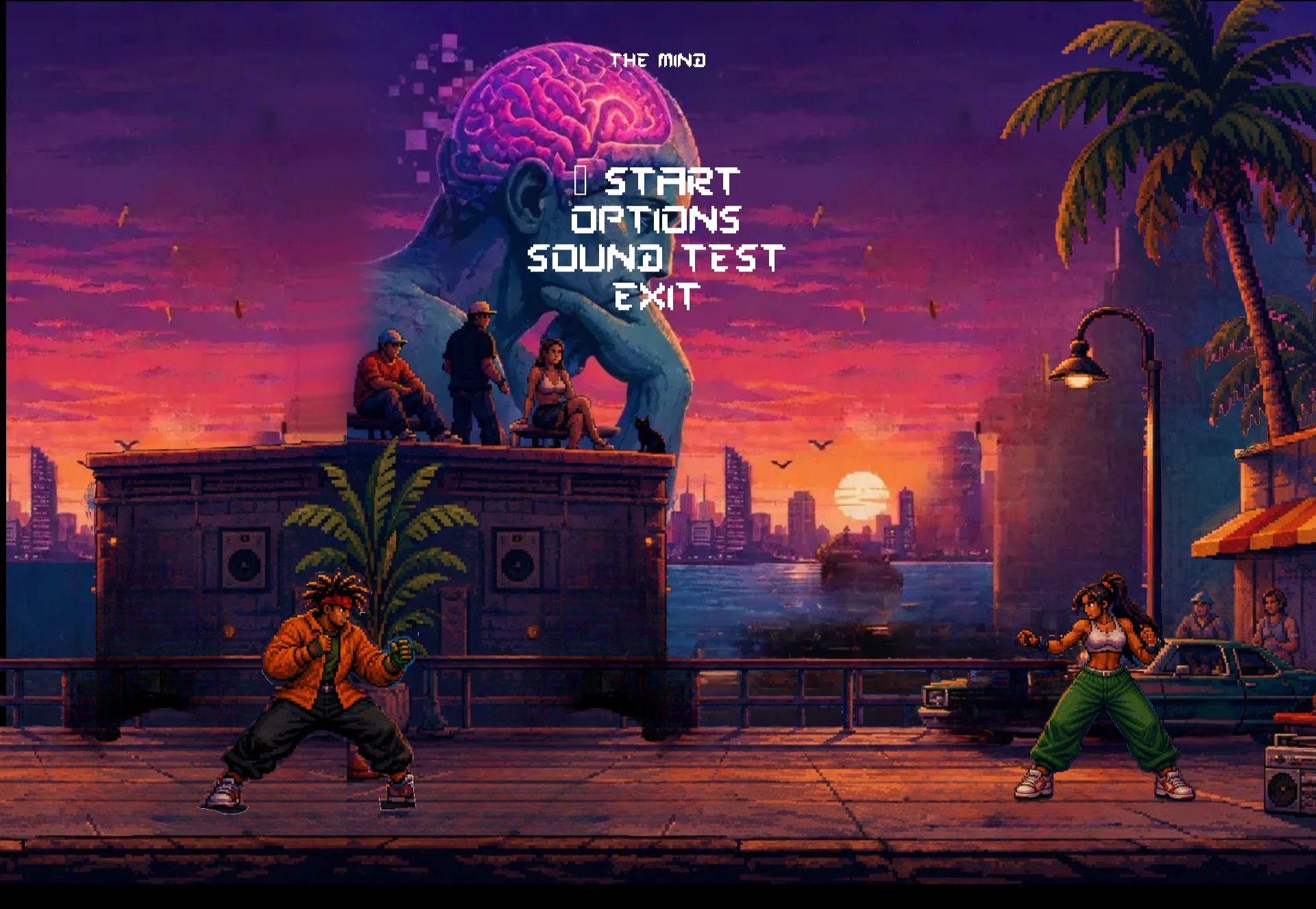
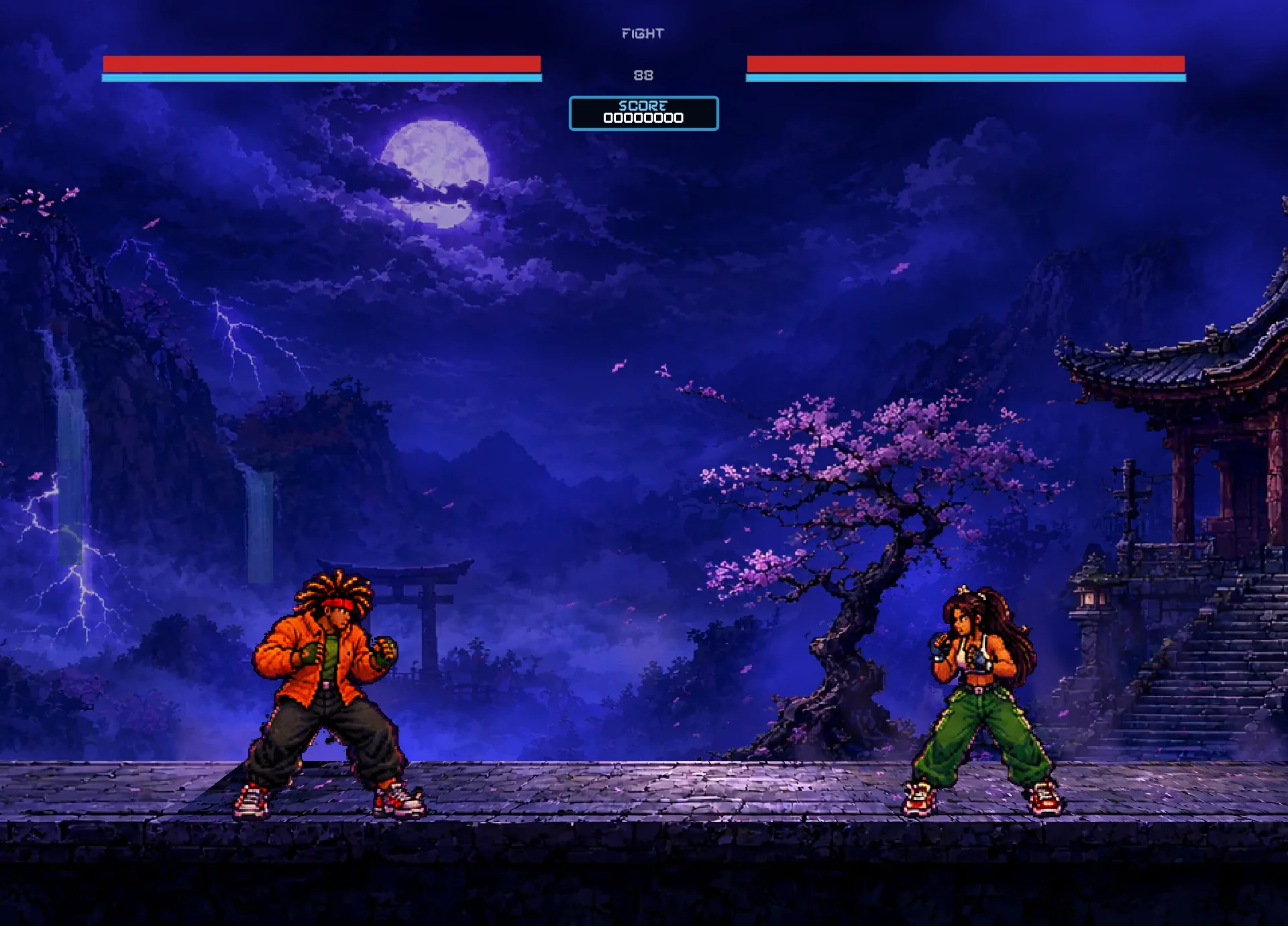
Game modes
Arcade
Take a fighter through an arcade-style sequence of battles.
Versus
Face another local player in a direct match.
Story
Explore character-focused narrative content and encounters.
Dojo
A practice-oriented space for learning the combat system.
Team Battle
A 3-versus-3 team format.
Mindless Mayhem
A secret-unlock brawler mode with multi-character movement.
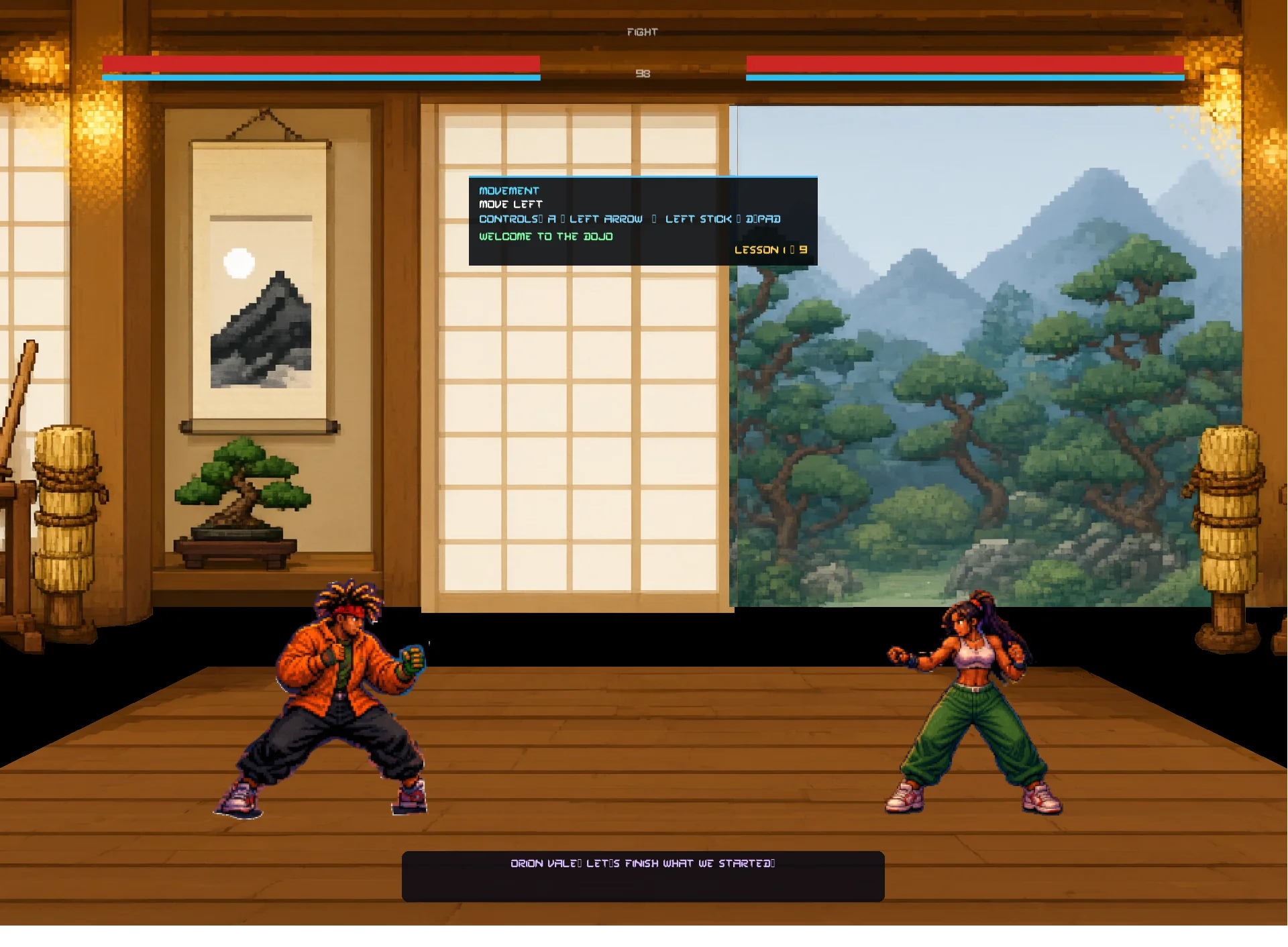
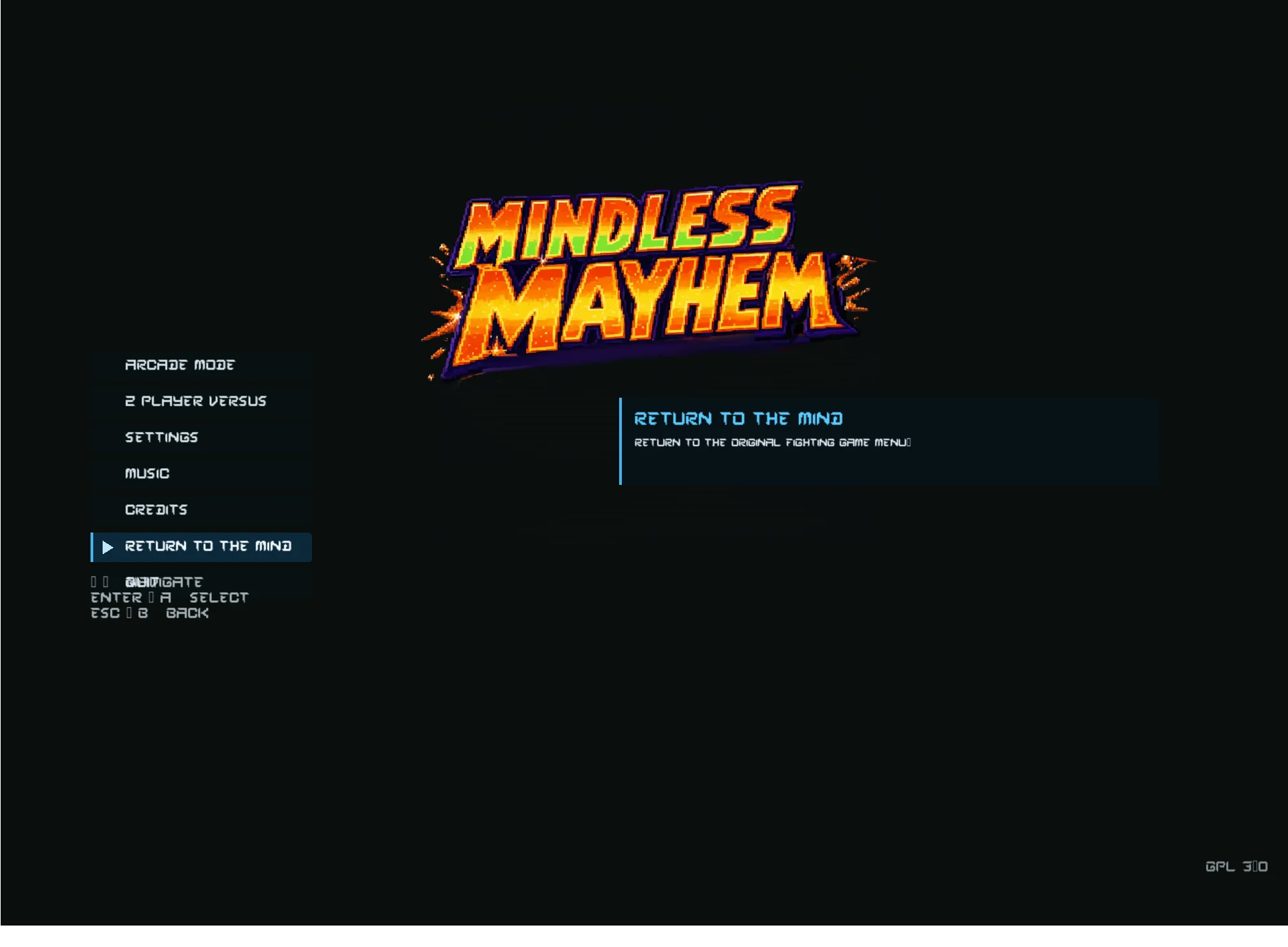
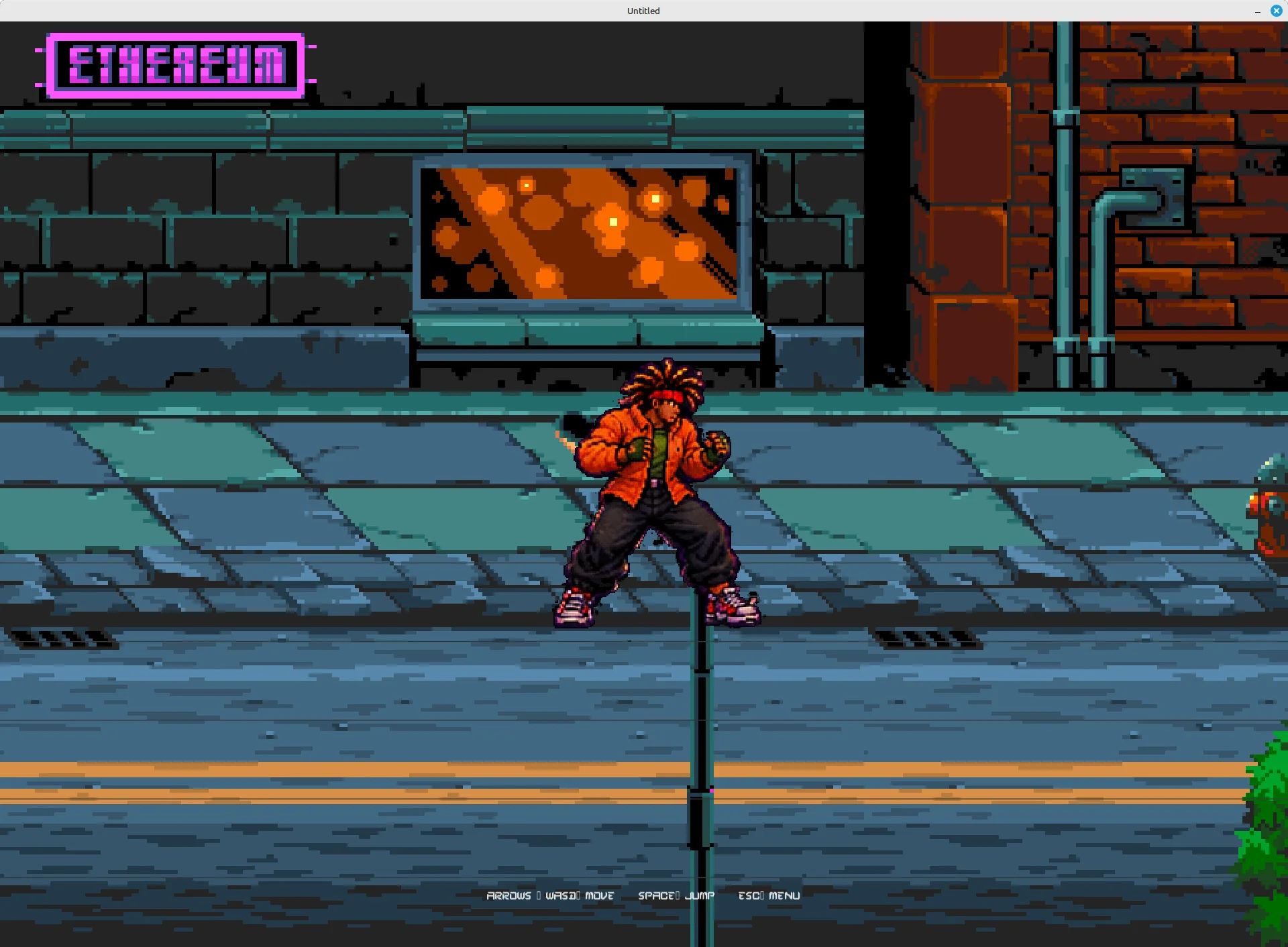
Mode details and availability may evolve. Some features may be experimental or build-dependent.
Fighters & stages
The current roster includes ten characters. Nyx and Lucien are boss-only characters; the remaining roster entries include selectable fighters.










Stages
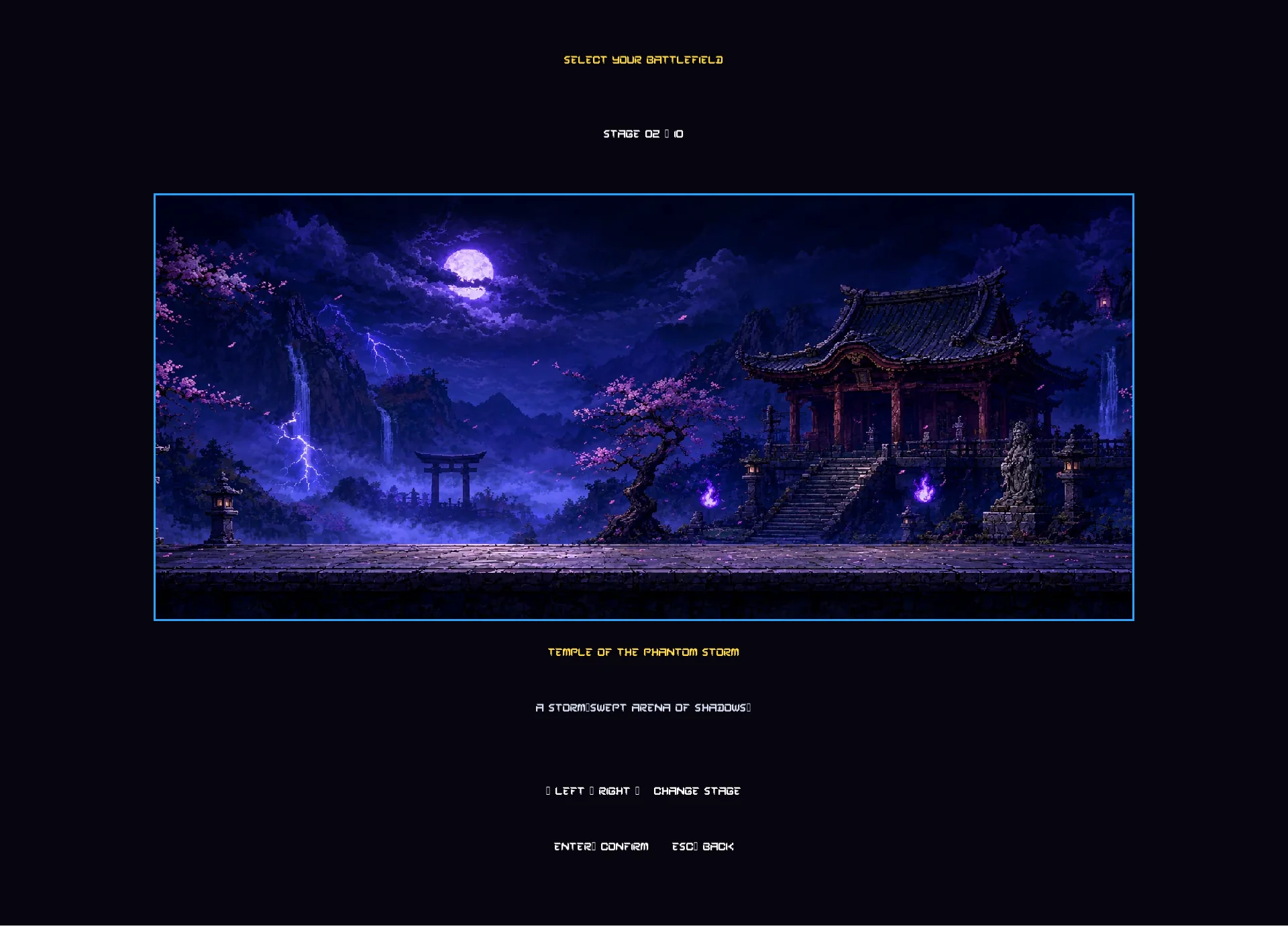
The game includes a range of environments. The following gallery uses the stage artwork currently available in the website image directory.
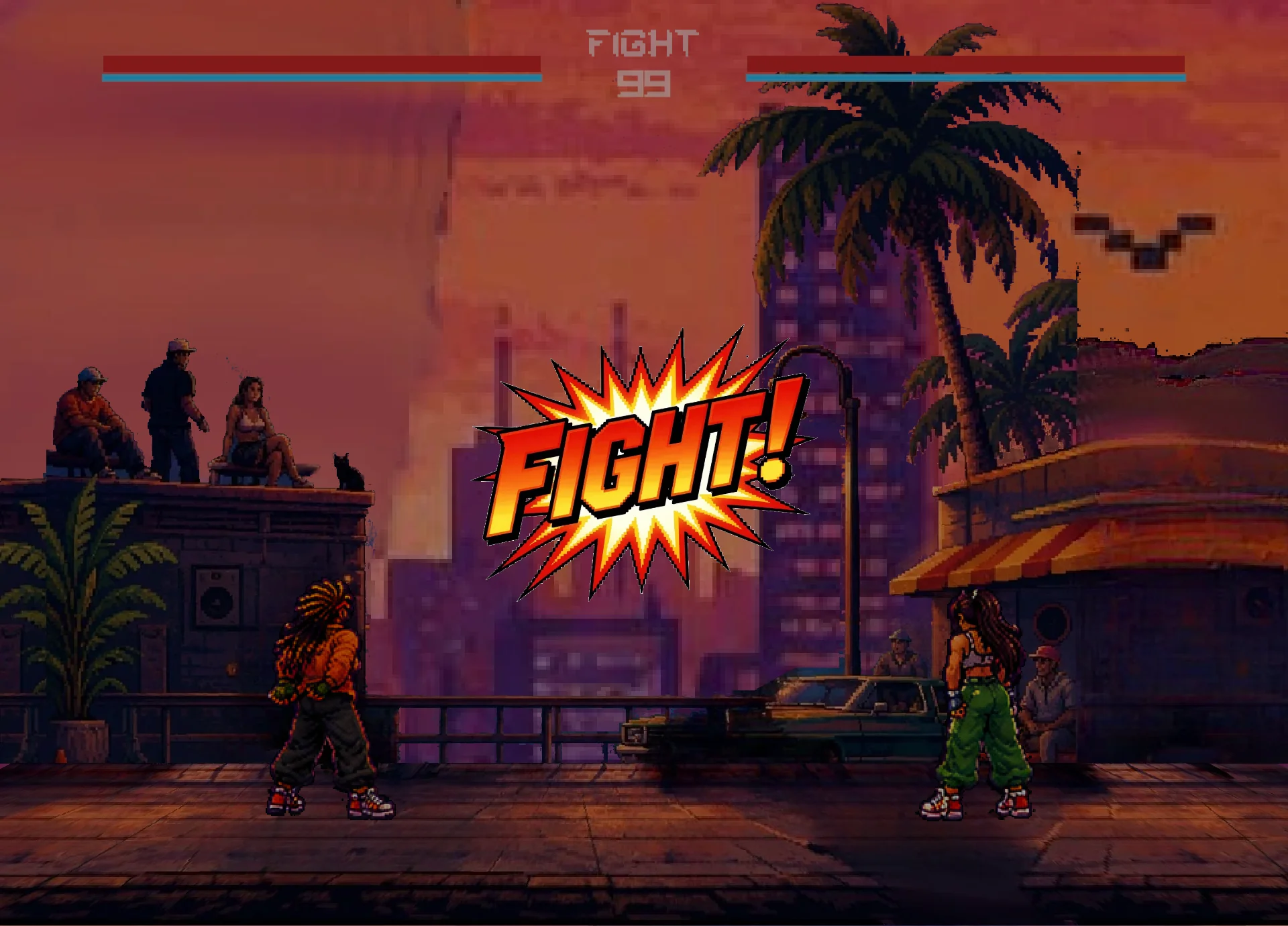
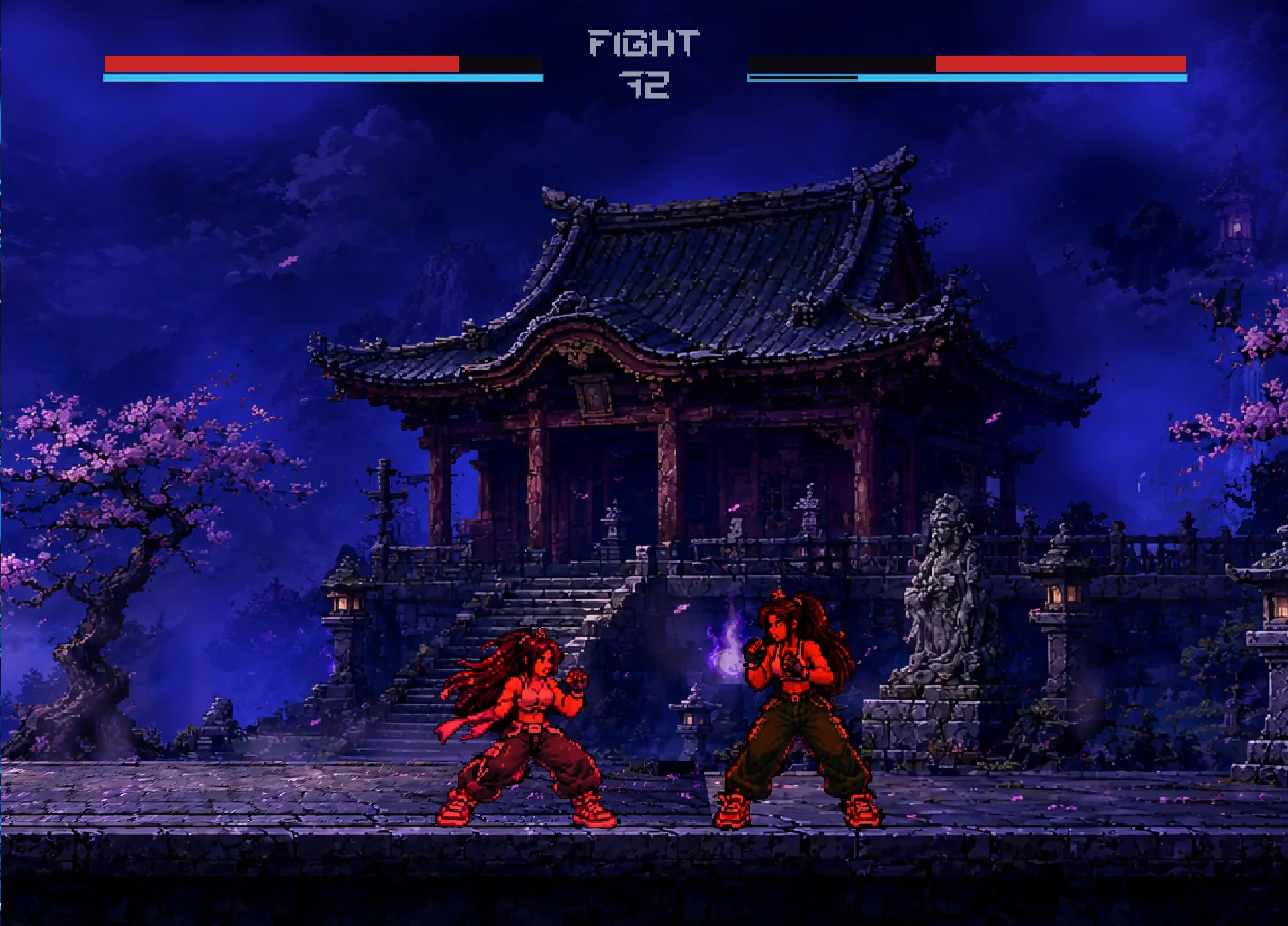
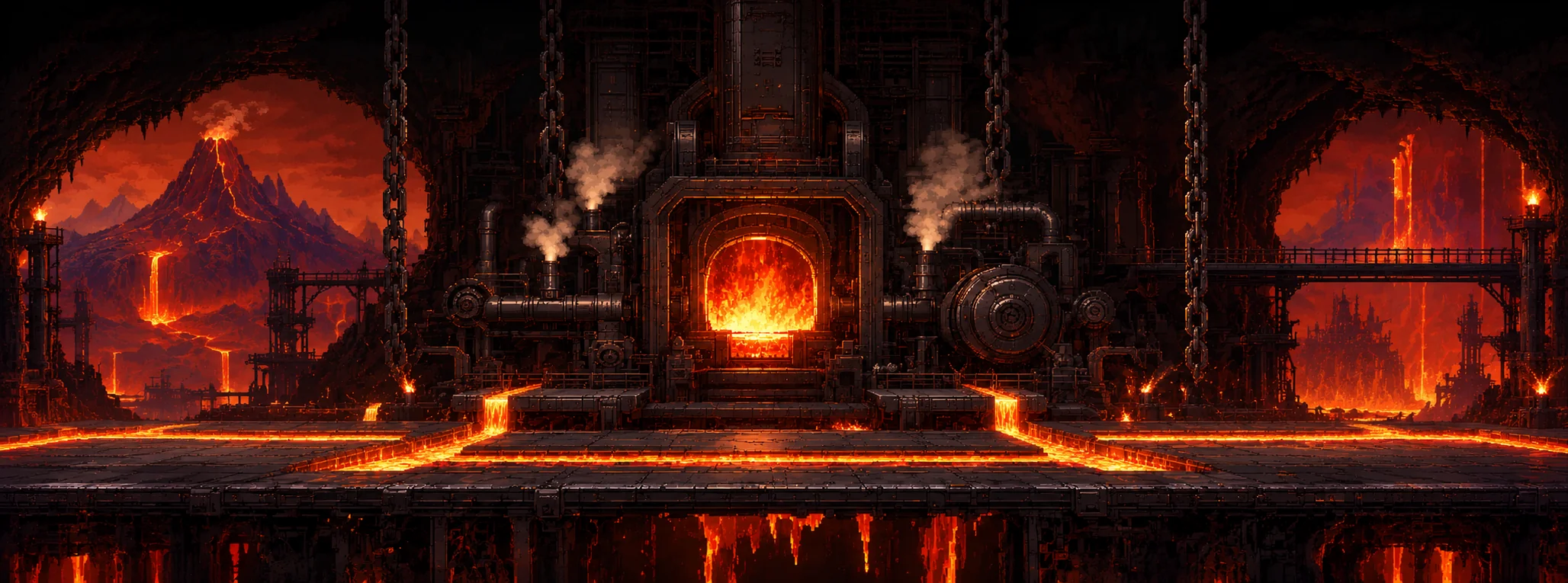

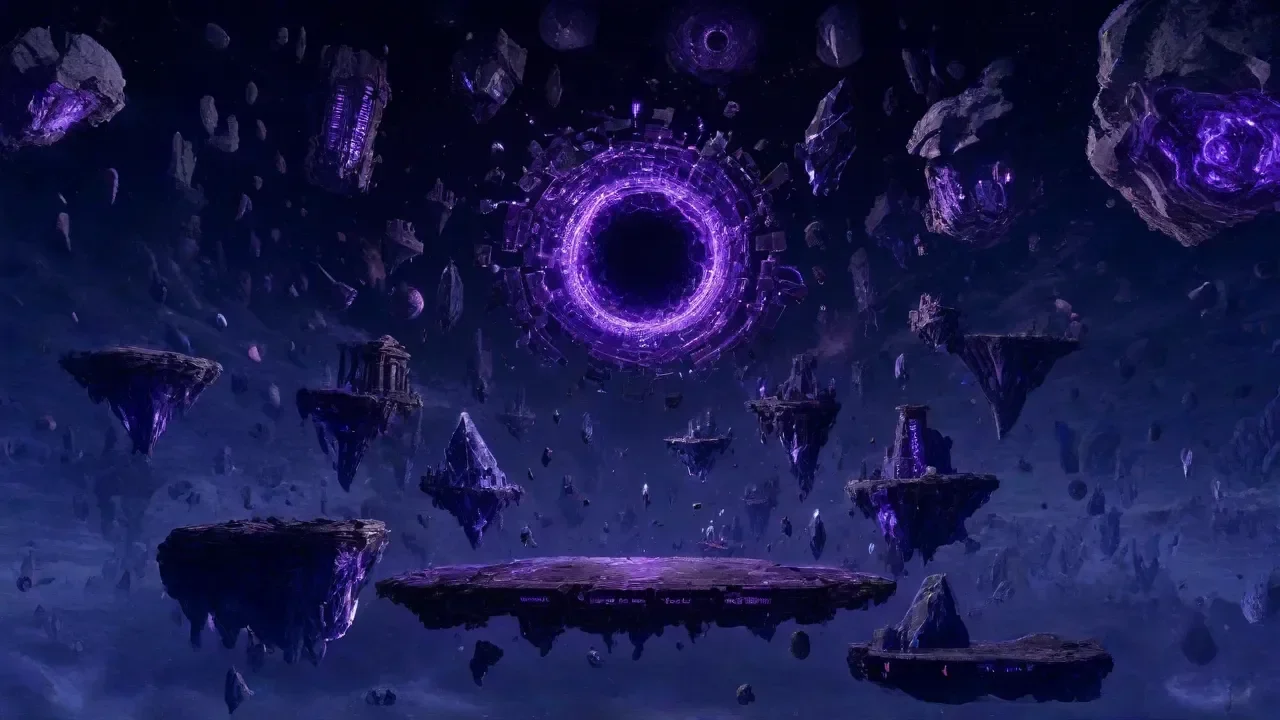
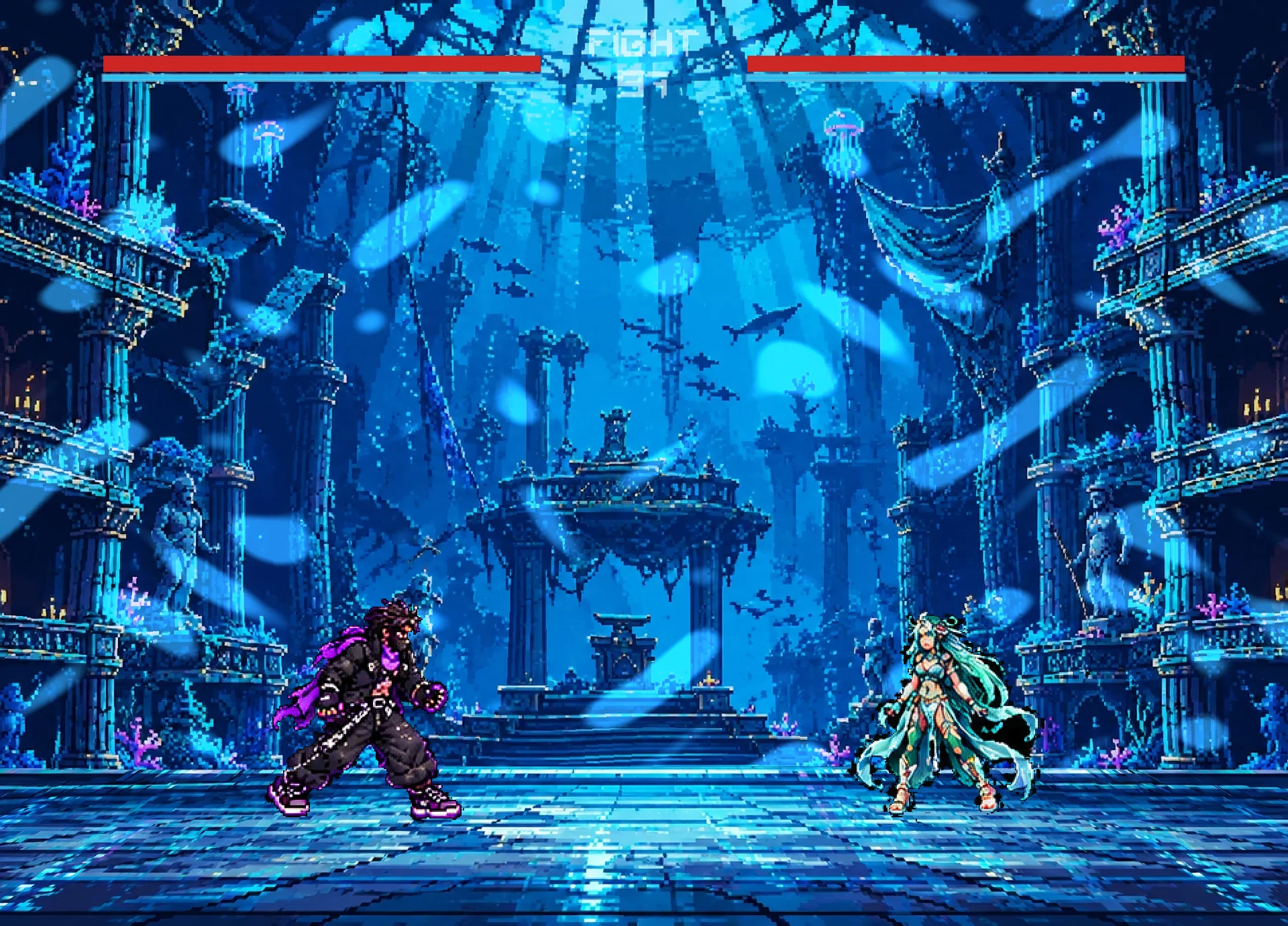
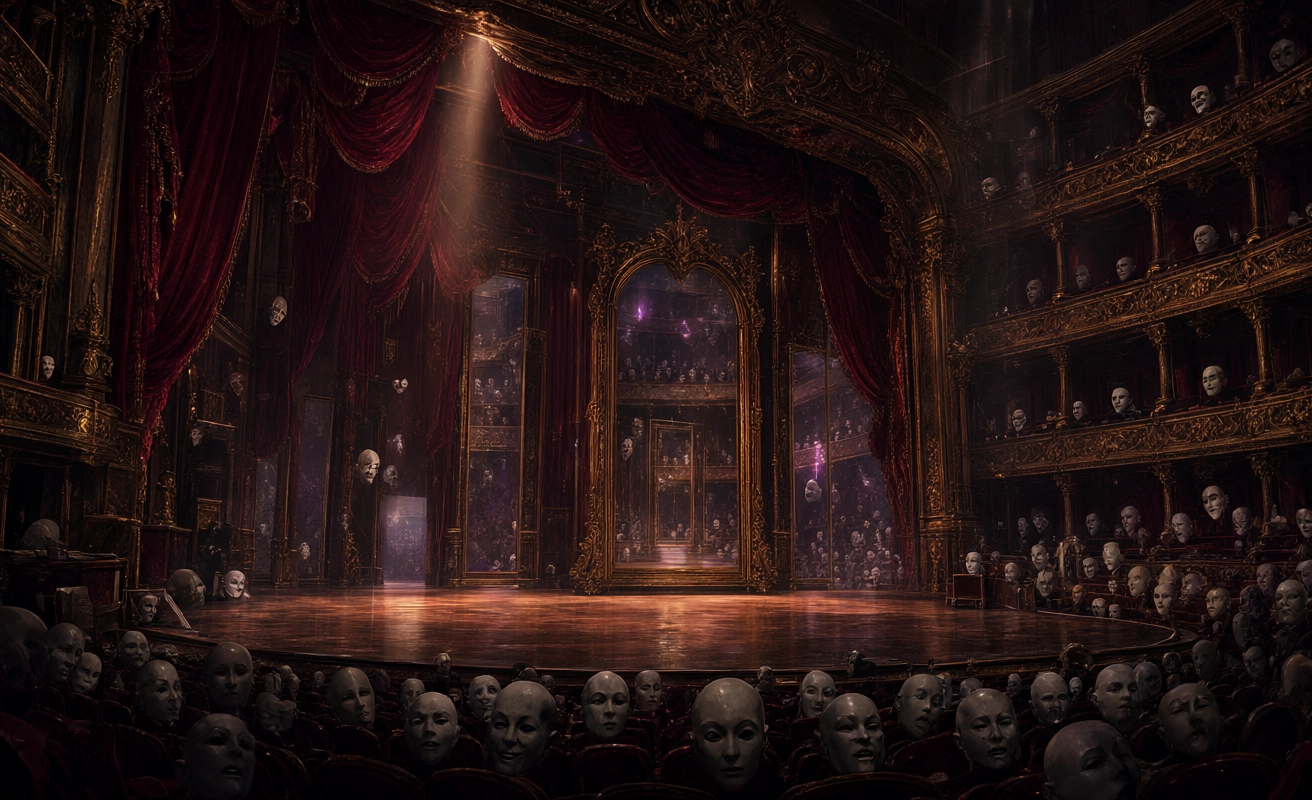
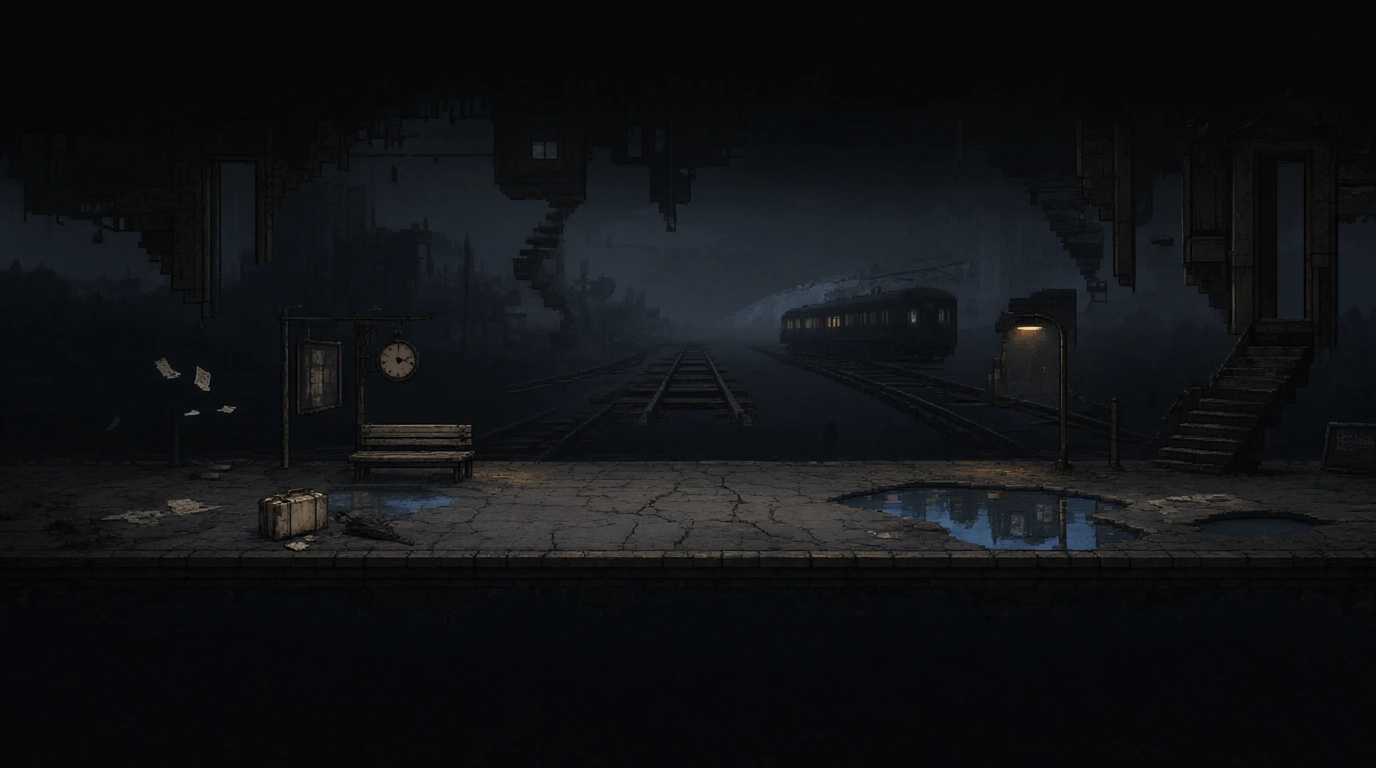
Skywind Sanctuary and Neon Afterhours do not yet have separate stage images in the current website image directory. Add them when their artwork is ready.
Controls & combat
The game supports keyboard and gamepad input. The current local two-player arrangement uses the keyboard and first gamepad for Player 1, and a second gamepad for Player 2. Exact bindings may differ by build; consult the in-game settings.
Combat includes movement, attacks, special actions, blocking, throws, projectiles and character-specific mechanics. Practice in the Dojo where available.
Mindless Mayhem uses brawler-style movement, including vertical movement and jumping. Its secret unlock sequence is ↑ ↑ ↓ ↓ ← → ← → B.
Online lobby: current status
The online lobby is experimental and remains under development. Community Content must be enabled for the lobby to become available. This setting is persistent.
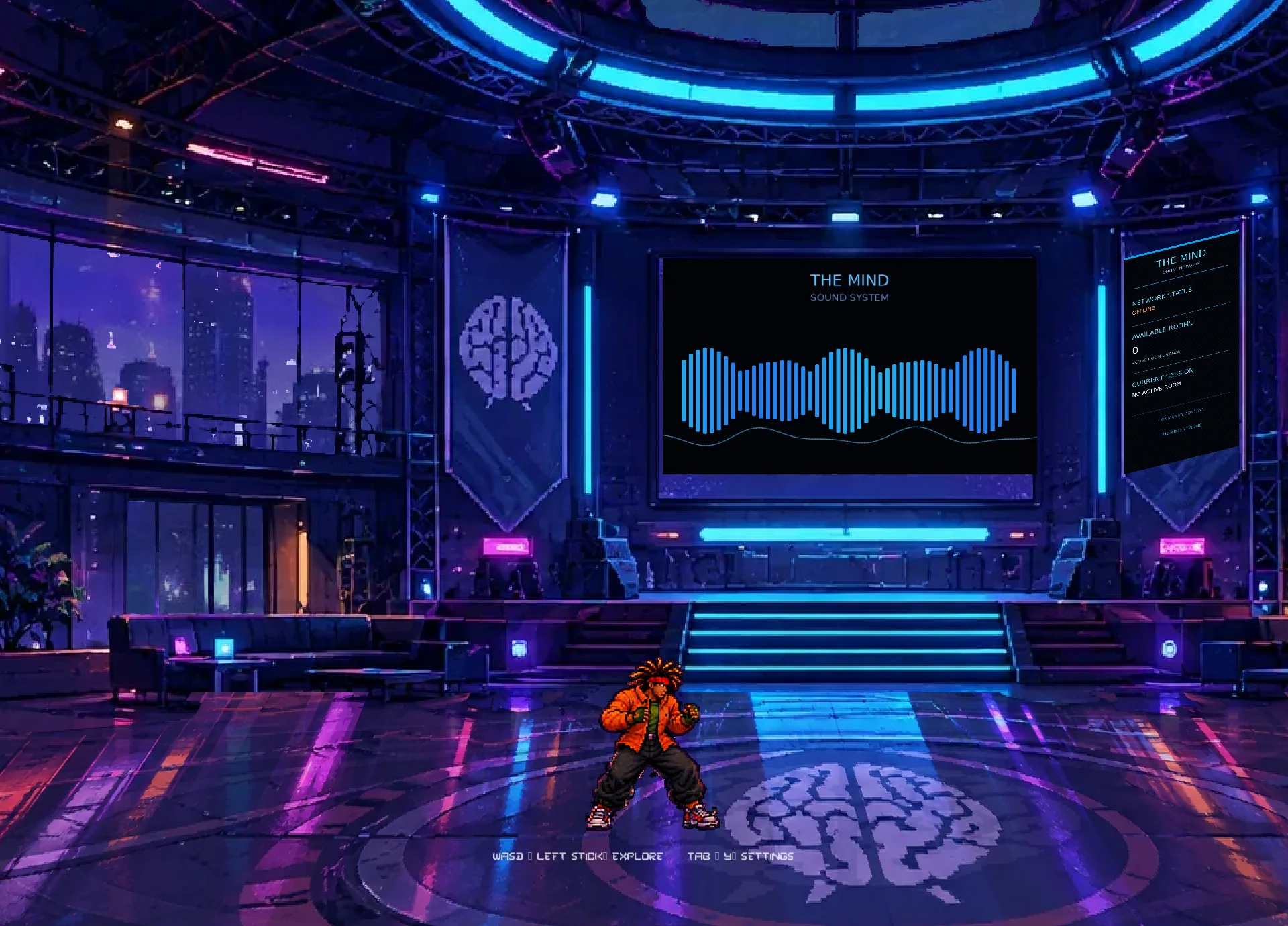
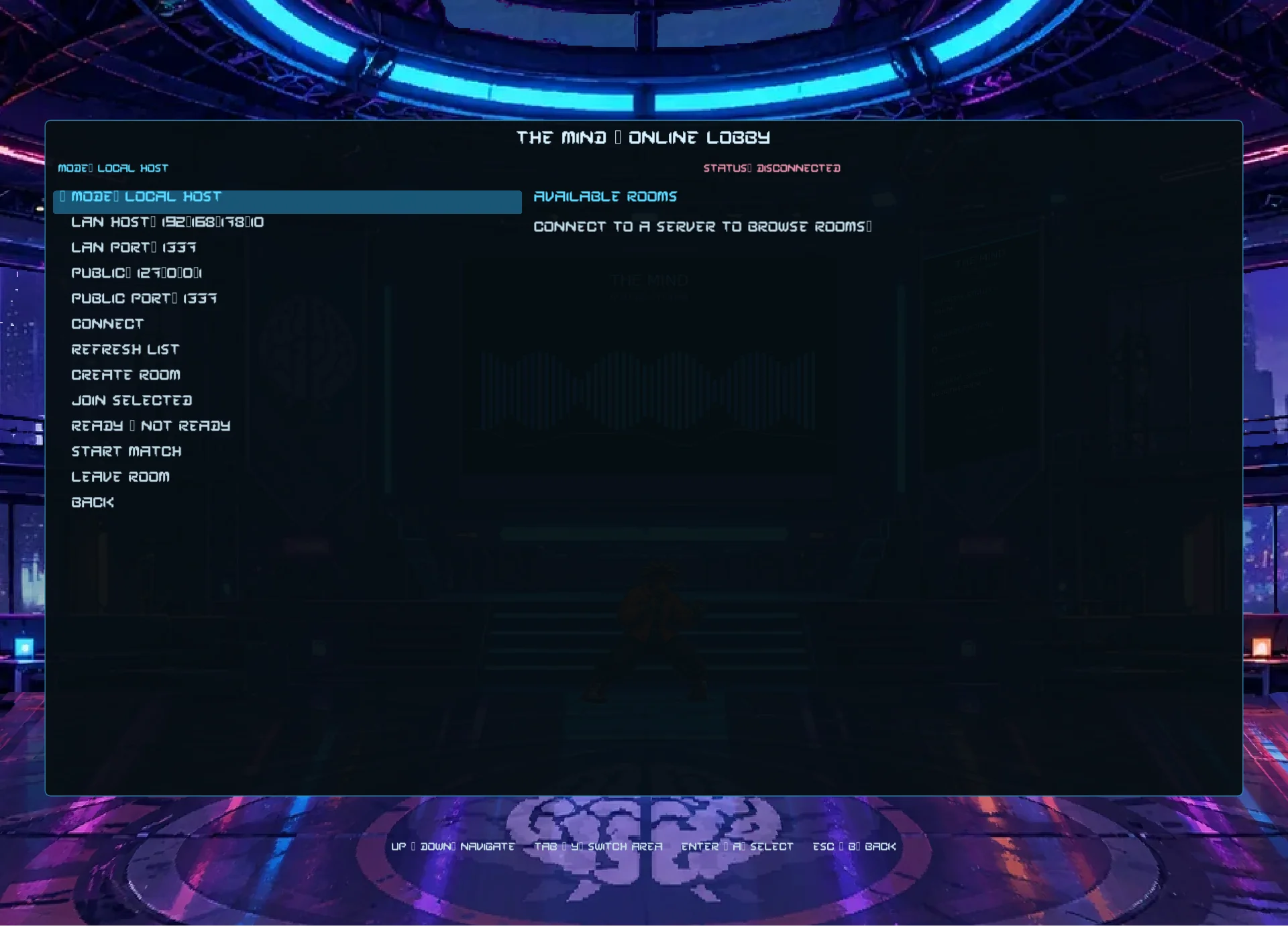
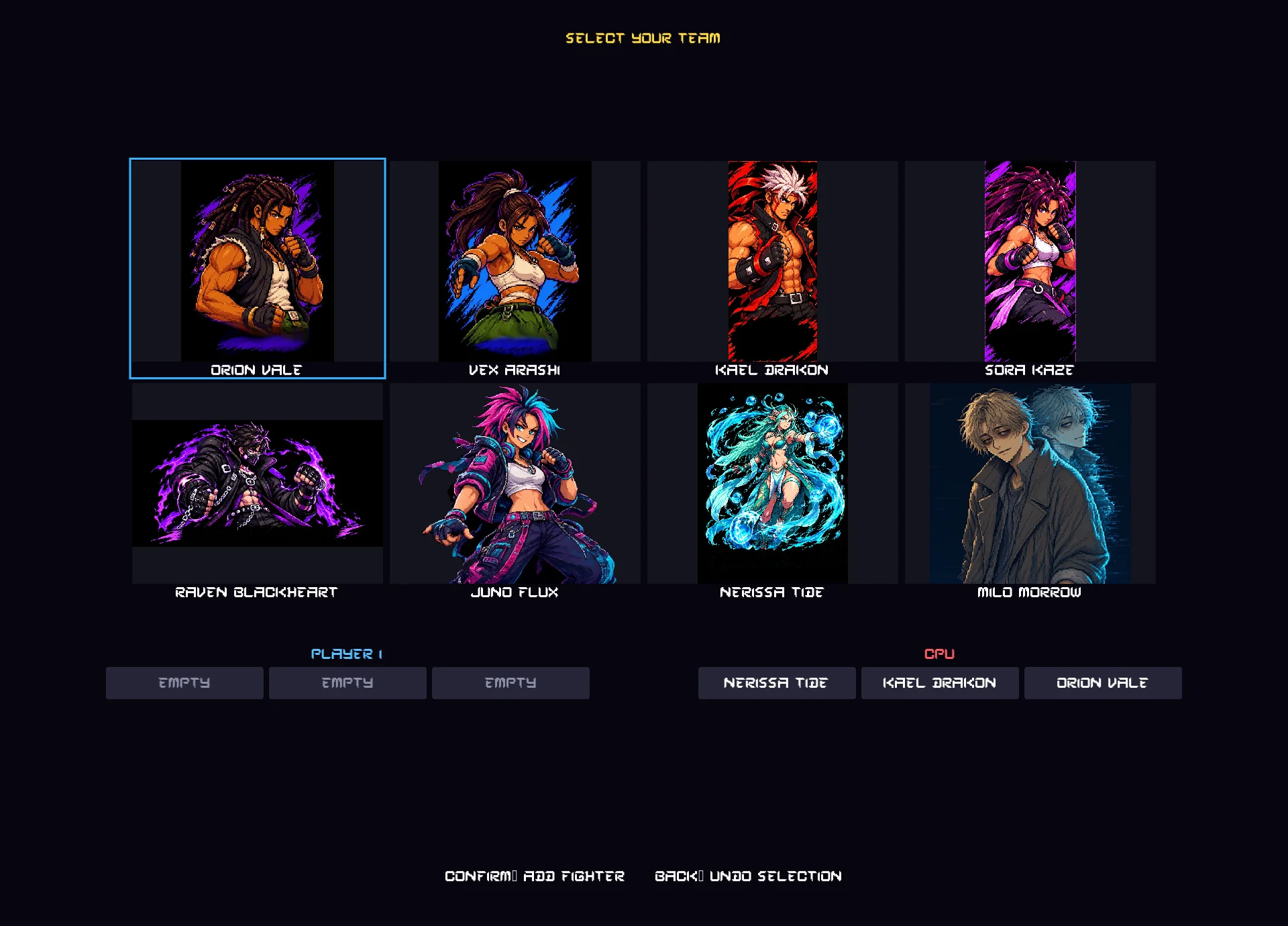
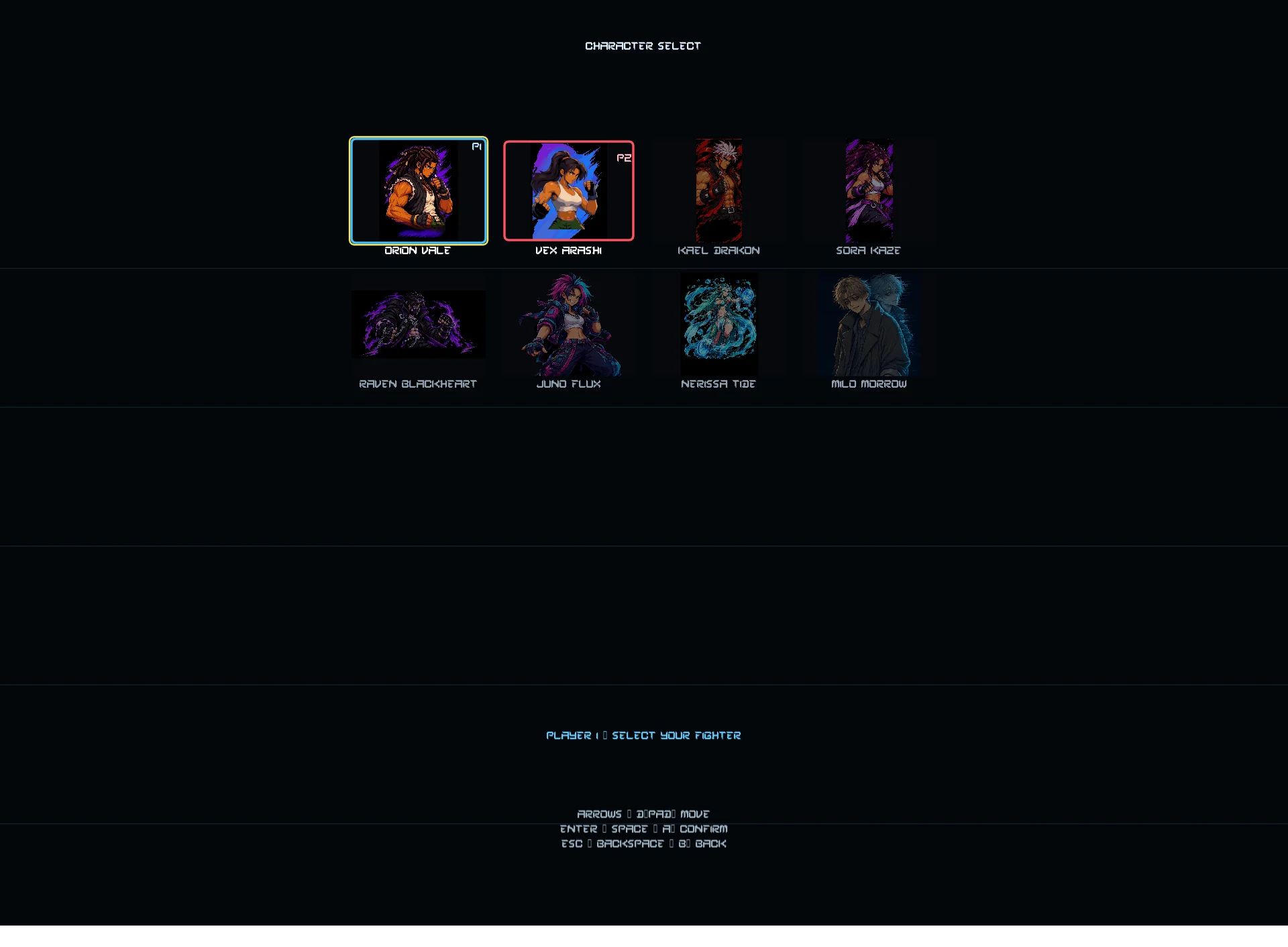
Lobby connections, room creation and joining, readiness, character selection, stage selection and live character-selection cursor synchronization.
Real-time synchronized online fighting. UDP-based fight synchronization is not in place.
The newest lobby work may not be included in packaged builds. To test the latest flow, run the game from the current source repository. Beta testing should focus on connections, rooms and character/stage selection.
The Mind Open Arcade Cabinet
The The Mind Open Arcade Cabinet is a separate community hardware project exploring a dedicated two-player arcade cabinet for the game. It aims to use commonly available sheet material, standard arcade controls and small 3D-printed fittings.
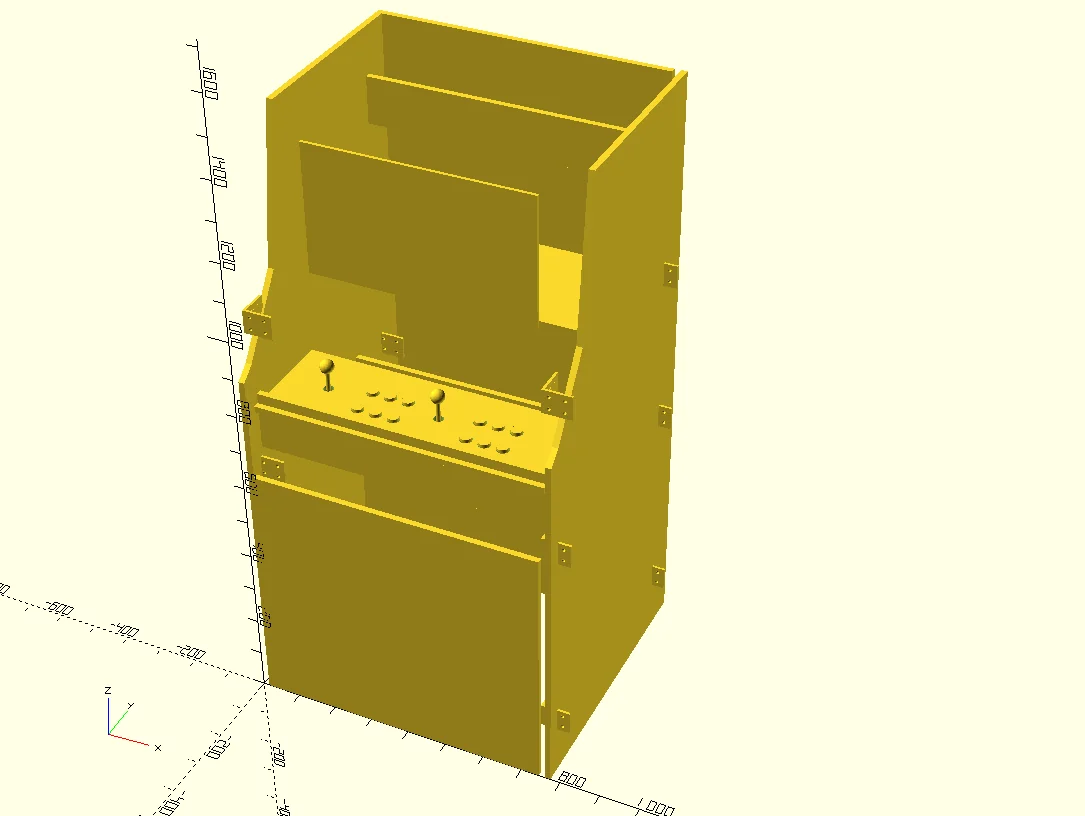
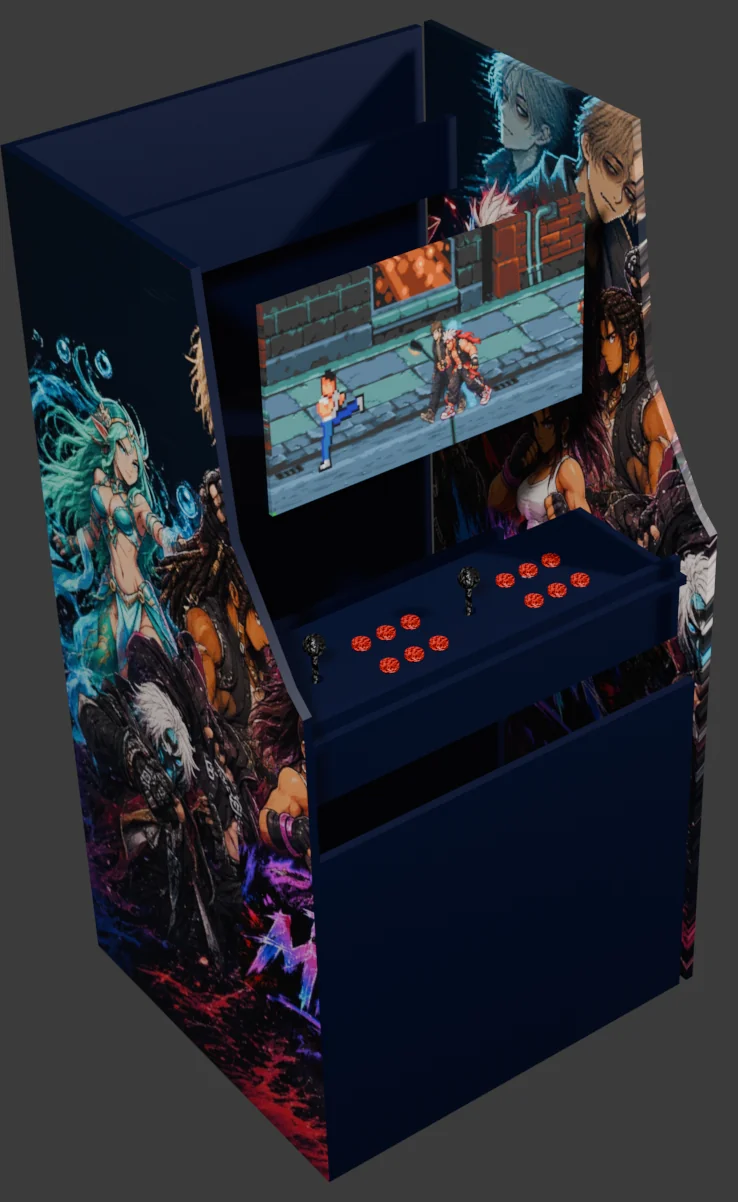
Each player station uses a conventional layout: joystick on the left, six action buttons on the right. The design references Sanwa JLF-TP-8YT joysticks and Sanwa OBSF-30 buttons.
The OpenSCAD assembly is currently a visual/layout prototype. Dimensions, panel intersections, control clearances, structural strength, ventilation, monitor retention and service access have not been validated on a physical cabinet. Do not cut expensive material or rely on printed fittings for safety-critical loads before the design has been checked and tested.
The cabinet is a companion project, not part of the game executable. Its hardware design and documentation have separate licensing scopes.
Credits & licences
The Mind game is released under GPL-3.0. Consult the game repository for the current licence text and third-party asset attributions. Music, fonts, sound effects and other contributed assets may have their own licence terms.
The Developer's Handbook
An orientation to the codebase, application lifecycle, major systems and current multiplayer boundaries.
Application architecture
The project separates the application lifecycle from major gameplay domains. The fighting engine itself is divided into specialised subsystems.
main.lua
game/
  screens.lua
systems/
  app/
    bootstrap.lua
    initialize.lua
    screenDraw.lua
    screenUpdate.lua
  input.lua
  input/
    actions.lua
    keyboard.lua
    gamepad.lua
    touch.lua
    lobby.lua
  fighting.lua
  fighting/
    combat.lua
    movement.lua
    physics.lua
    rounds.lua
    projectile.lua
  lobby/
    client.lua
    protocol.lua
    audio.lua
    noobhub-server.lua
  story/
  team_battle/
  mayhem/
  languages/
assets/
  characters/
  stages/
  music/
  sounds/
Initialization
main.lua prepares shared dependencies and delegates startup to systems/app/initialize.lua. Initialization registers input callbacks, establishes lobby identity, stops stage ambience, initializes joysticks and screens, loads touch controls and localization, loads fonts and game assets, validates dialogue data, then displays the splash screen.
Update flow
The main update loop coordinates audio, screen timers, input, attract mode, lobby networking and events, active-screen updates, frame animation and intro camera updates. Attract-mode logic can return early, skipping later update steps for that frame. Preserve intentional early-return behaviour during refactoring.
Drawing flow
systems/app/screenDraw.lua dispatches drawing according to the active screen. When the Arcade Monitor effect is enabled, the screen drawing is wrapped with the effect and CRT frame.
Keep game.screens, drawing-related screen modules and systems/app/screenDraw.lua conceptually distinct. Similar names do not imply interchangeable responsibilities.
Core systems
Input
Focused modules handle keyboard, gamepad, touch, navigation, fighting, story and lobby contexts. Route gameplay actions through the shared action-handling path.
Fighting engine
The fighting system delegates specialised work such as combat, movement, physics, animation, projectiles, throws, resources, rounds and fighter state.
Screen systems
Screen update and draw dispatchers keep the top-level loop manageable. Screen-specific logic belongs with the relevant screen or domain module.
Audio & presentation
Audio update, voice lines, stage ambience, localization, camera effects and CRT presentation are separate concerns.
Lobby and networking architecture
The lobby uses protocol the_mind, version 1, on channel the-mind-lobby-v1. Messages use framed JSON over the lobby transport.
The current development path uses the embedded Lua/LuaSocket server. The repository also contains Node.js-related server and WebSocket bridge files; verify the active runtime configuration rather than assuming those files are used by every build.
Current feature boundary
- Implemented in current source: player connections, rooms, joining, readiness, character selection, stage selection and live character-navigation updates.
- Not implemented: UDP-based real-time fighting synchronization.
- Packaged builds may lag behind source and may not contain the latest lobby work.
Platform dependencies
Dependency loading may differ between desktop x86_64 and ARM-based targets. For example, the project has used system dkjson on x86_64 and a bundled JSON module on ARM/Nura due to platform-specific module loading behaviour. Verify the target build's actual dependency path.
Open Arcade Cabinet: developer notes
The cabinet is a companion repository, not a subsystem inside the LÖVE2D game. It contains parametric OpenSCAD source, an assembly preview, printable-part source and STL exports, optional Blender resources and project documentation.
Repository map
CAD/
  the_mind_arcade_assembly.scad
  the_mind_arcade_parts.scad
  printable_parts/
images/
  openscad/
  blender/
blender/
docs/
  ASSEMBLY_GUIDE.md
  BILL_OF_MATERIALS.md
  BLENDER_RENDERING.md
  SAFETY_AND_VALIDATION.md
  ATTRIBUTION.md
LICENSES/
CHANGELOG.md
CONTRIBUTING.md
LICENSE
Preview workflow
- Install OpenSCAD and open
CAD/the_mind_arcade_assembly.scad. - Press F5 for an interactive preview or F6 for a full render.
- Use visibility switches near the top of the source to inspect shell, monitor, controls, printed parts, badge and rear panel.
- Keep the assembly file and
printable_parts/directory together because STL files are imported using relative paths. - See
docs/BLENDER_RENDERING.mdfor optional material renders.
The assembly visualises separate panels and components. Large panels are intended to be cut from sheet material; small fittings are printed separately. Do not export the entire cabinet as one STL.
Provisional parameters
These are editable starting values, not validated manufacturing dimensions. The display placeholder is an approximate visible area, not a VESA mounting specification.
Validation still required
- Confirm monitor model, mounting method and retention.
- Validate Sanwa JLF-TP-8YT mounting pattern, body clearance and panel thickness.
- Validate OBSF-30 button holes and spacing against physical buttons.
- Produce dimensioned panel cutting drawings and an assembly sequence.
- Engineer and test joints, fasteners, ventilation, stability, service access and structural strength.
- Build a full-size prototype and publish measured results, photographs and revisions.
This is a hobby project, not a certified arcade cabinet design. Builders are responsible for checking tip resistance, electrical safety, ventilation, sharp edges, fasteners, monitor retention and structural strength. Do not allow anyone to climb, sit or lean heavily on an untested cabinet. Read docs/SAFETY_AND_VALIDATION.md before building.
Licensing boundaries
Cabinet CAD source, printable-part source and associated hardware design files use CERN-OHL-S-2.0. Cabinet documentation uses CC BY-SA 4.0. The Mind game and its assets are not automatically relicensed by the cabinet repository.
The initial OpenSCAD source and some documentation were created with AI assistance under maintainer direction. The design remains provisional and requires independent measurement, engineering review and physical testing. See docs/ATTRIBUTION.md.
Testing & contributing
For game changes, test the affected screen or subsystem and consider keyboard, gamepad, ARM and desktop behaviour. For lobby changes, test connection, room creation/joining, readiness and selection flow separately from assumptions about online fighting.
For cabinet issues, include:
- Repository revision or commit hash.
- OpenSCAD version and operating system.
- Component and measurement involved.
- Photo, screenshot or small test file where useful.
- Whether the measurement comes from a datasheet, physical part or estimate.
Keep reports reproducible, distinguish verified results from assumptions, and document the exact revision tested.